Create your Roundtable meeting
- Create the meeting in Roundtable as normal.
- Add the video call link in the Video call link field if you already have it.
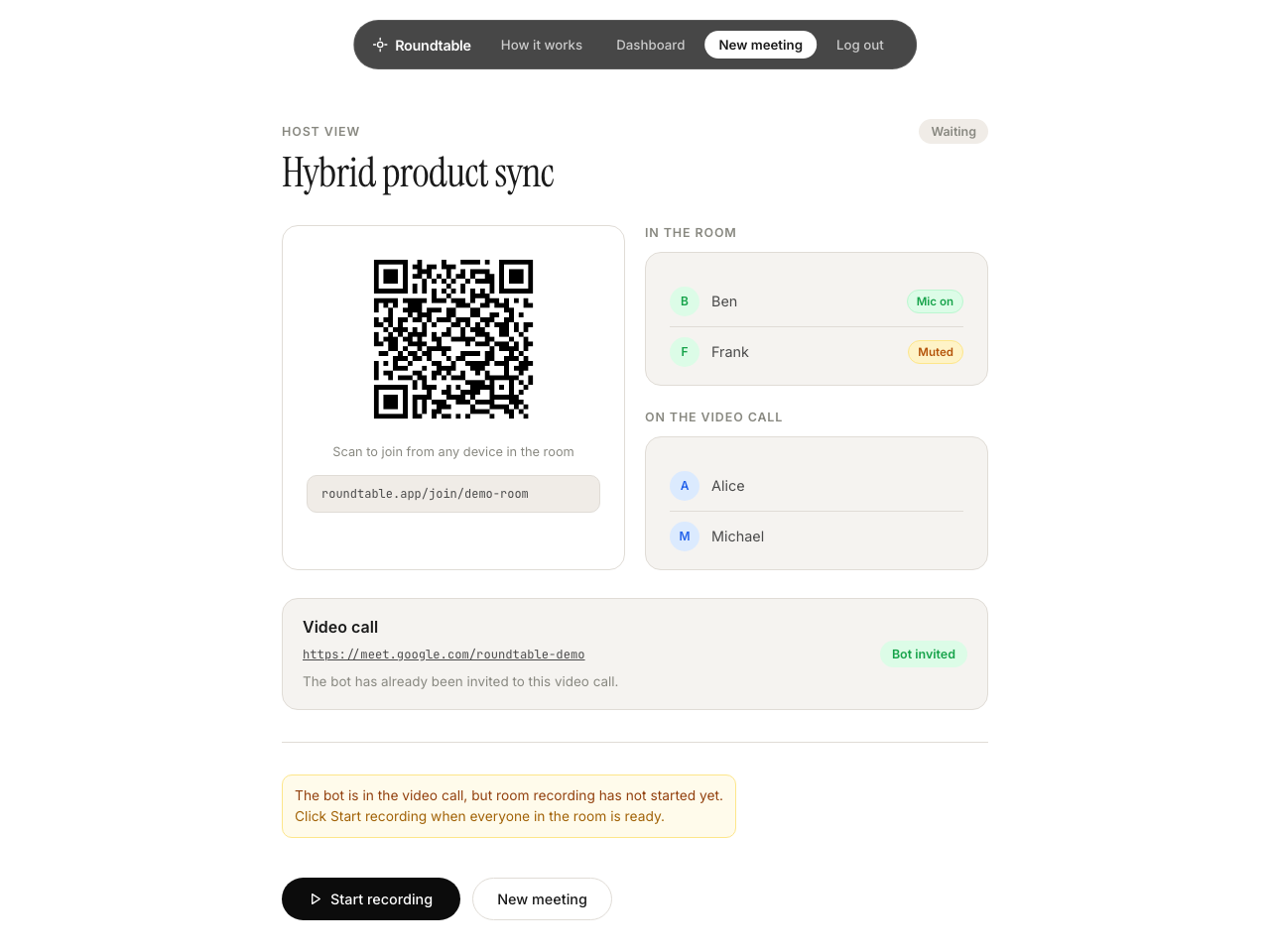
- Open the Roundtable host view and keep this page open while you set up the video call.
Use Roundtable for meetings where some people are in the room and others are joining by video call.
In a hybrid meeting, people in the room join Roundtable normally from their own devices. Roundtable can also join your Zoom, Google Meet, or Microsoft Teams call so that remote participants are included in the transcript and meeting summary.
Before the meeting
After the bot has been invited, Roundtable locks the video call link and shows The bot has already been invited to this video call.
People in the room
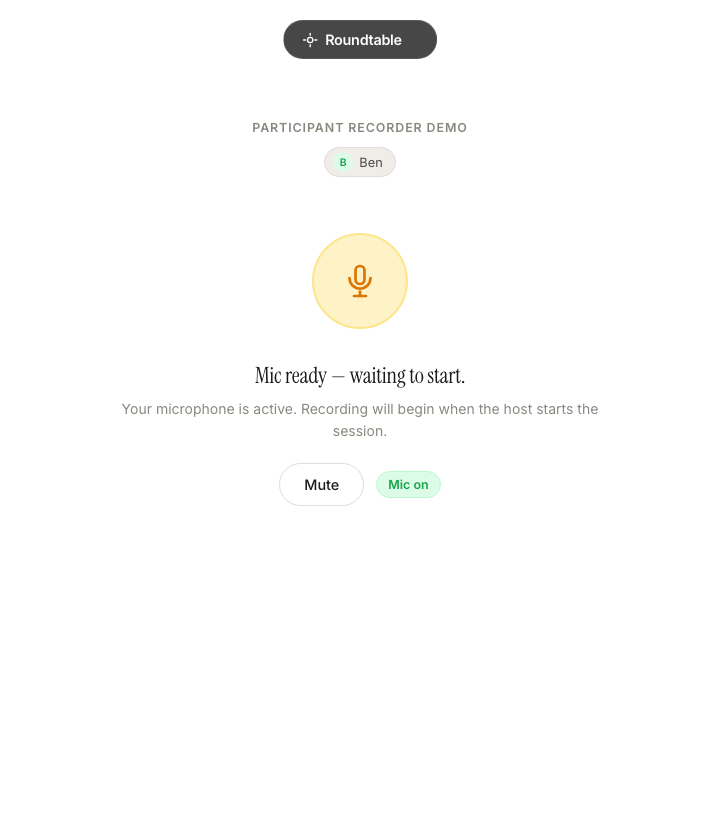
Everyone physically in the room should join the Roundtable meeting using the meeting link or QR code, just as they would for an ordinary in-person Roundtable meeting.
Avoid audio feedback: If several people are in the same room, only the main meeting computer should play the Zoom, Teams, or Meet audio aloud. Participants joining Roundtable on their phones should not join the video call from those phones unless they normally need to.
Remote participants
Remote participants simply join the Zoom, Google Meet, or Microsoft Teams call as normal. They do not need a Roundtable account or Roundtable link.
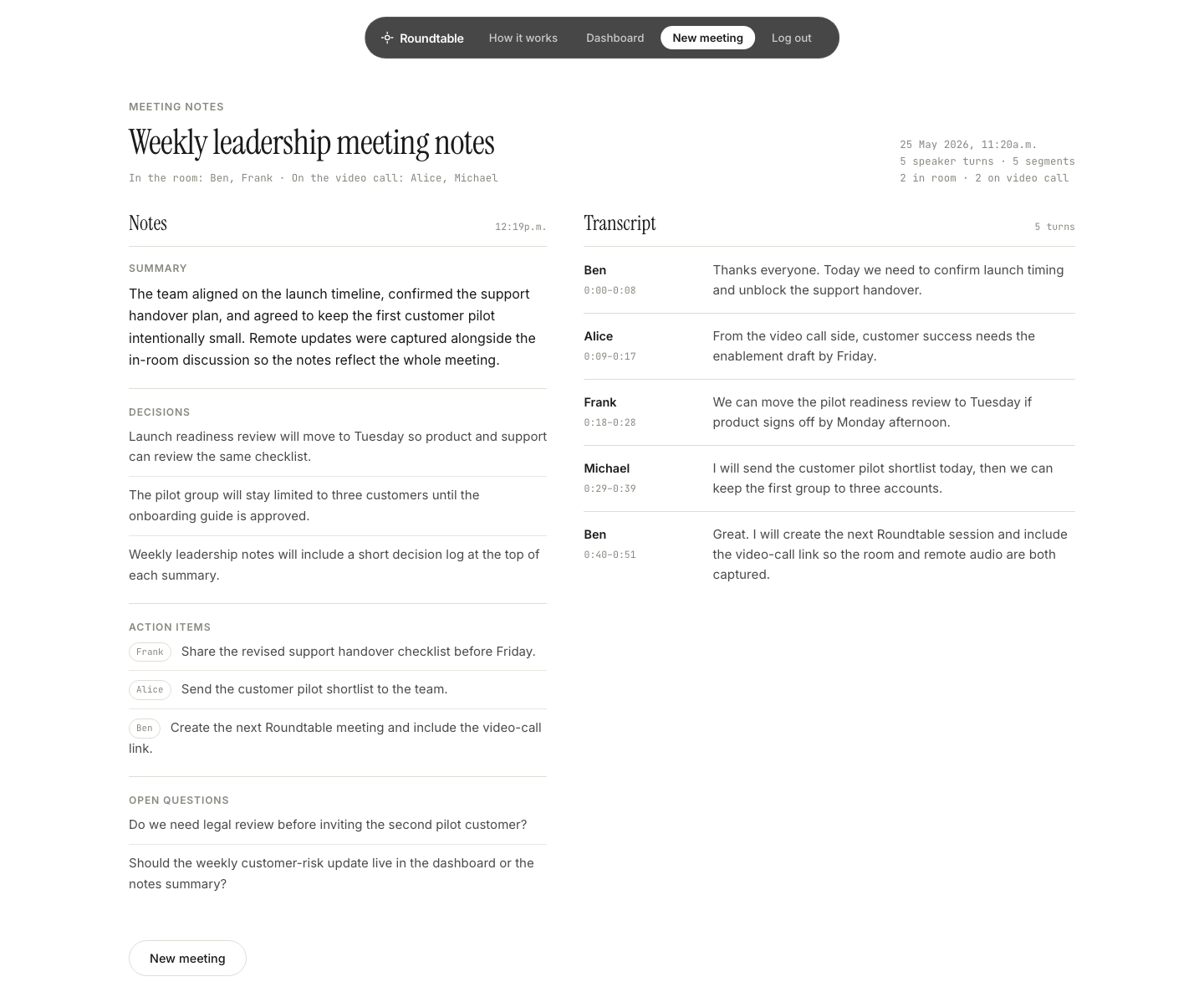
The Roundtable video-call participant captures the remote side of the conversation and includes it in the meeting transcript, summary, decisions, and action items.
Remote speaker identification depends on the video-call platform and meeting setup. When speaker names are available, Roundtable can show them. Otherwise, remote speech may appear under a generic remote participant name.
Recommended setup
During the meeting
Ending
If participant devices are slow to finish uploading, the processing page also offers Start processing now.
Troubleshooting
This is usually a Zoom, Google Meet, or Teams audio setup issue. Check the main meeting computer, speaker output, room audio hardware, and the remote participants' microphones.
Make sure only the main meeting computer is playing the video call aloud in the room. Extra phones or laptops in the same room should keep Roundtable open, but they should not also play the video call audio through their speakers.